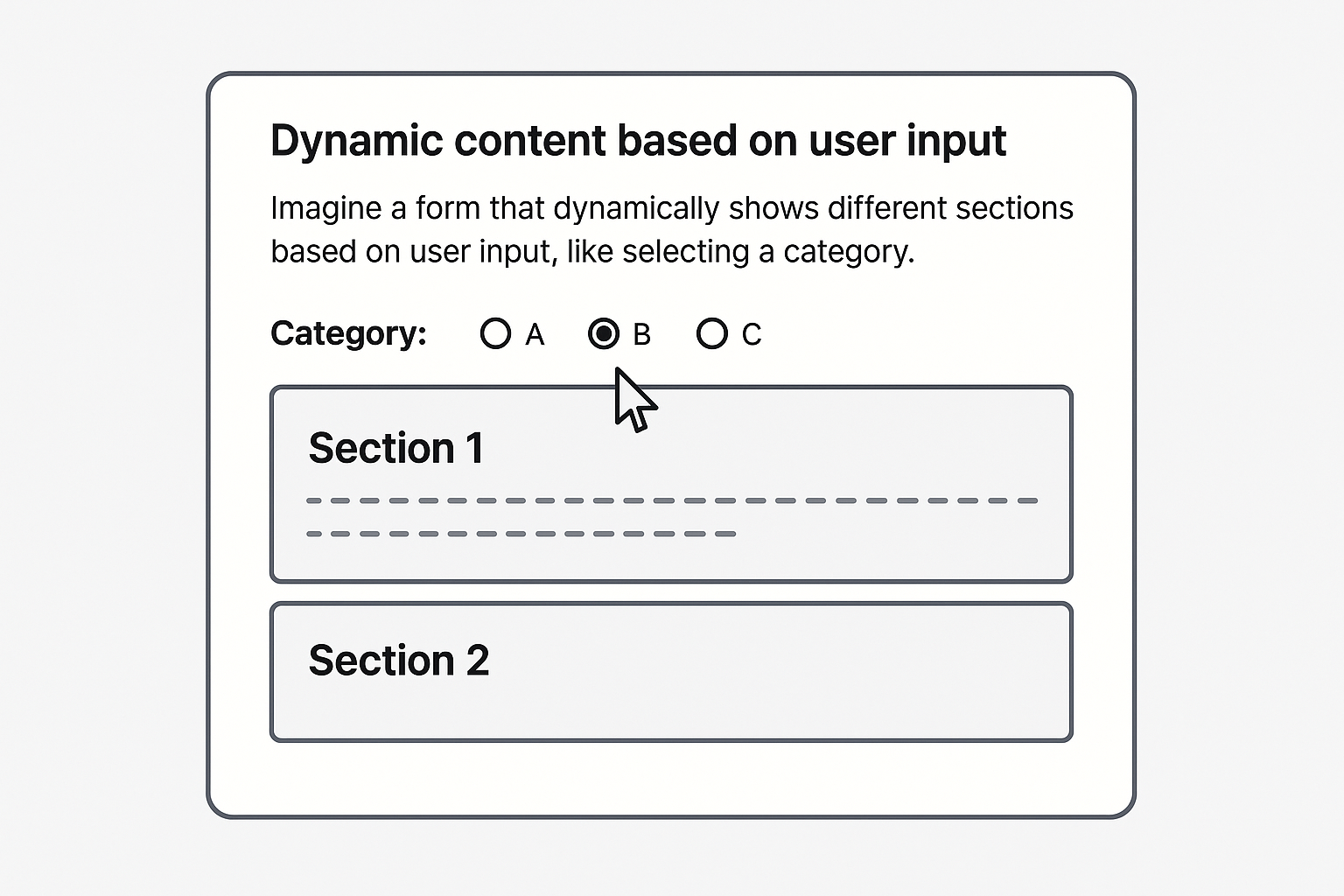
Imagine a form that dynamically shows different sections based on user input, like selecting a plan, a feature or an option in a config view…
When we need to track how far a user has scrolled on a page.
There are cases that some elements change the page height when the
user does something, and we need to react to those changes. Sounds
easy, right? Well, not always. However, we face a problem: hidden
elements are not positioned in the viewport, so they don’t have a
y coordinate, and we can’t change the scroll behavior
dynamically. To achieve this, we need to estimate it based on the
siblings’ positions and their heights.
For example, when the user selects a category, the page dynamically shows or hides content based on the user’s selection.
Then we need two things:
y position of the element (relatively to
the page)The point 2 ensures that the viewport height is absolute and regardless of whether the sections are hidden or not.
In general:
    flowchart LR
        A[User scroll] --> B[Get hidden elements]
        B --> C[Get relative `y` position]
        C --> D[Calculate element `y` offset]
        D --> E[Get the absolute scroll range]
        E --> F[Calculate scroll percentage]
For retrieving the relative y from the view port we
can track the sibling’s height, and parents offset:
/**
 * Calculates the total vertical offset of an element relative to the document body.
 * This includes the heights of all previous siblings and parent element offsets.
 *
 * @param {HTMLElement} element - The DOM element to calculate offset for
 * @returns {number} The total vertical offset in pixels
 */
function calculateHiddenY(element) {
    let totalOffset = 0;
    let currentElement = element;

    // Walk through all previous siblings and add their heights
    while (currentElement.previousElementSibling) {
        currentElement = currentElement.previousElementSibling;
        totalOffset += currentElement.offsetHeight;
    }

    // Add parent offsets until we reach the document body
    currentElement = element.parentElement;
    while (currentElement && currentElement !== document.body) {
        totalOffset += currentElement.offsetTop;
        currentElement = currentElement.parentElement;
    }

    return totalOffset;
}
With calculateHiddenY we can get the y
position regardless if the elements are hidden or not. Now we need
to get the offset, This allows us to correctly calculate scroll
ranges and percentages, even for hidden elements.
/**
 * Calculates the offset height of an element based on its position relative to the viewport.
 * Returns the element's height if it's in view, otherwise returns 0.
 *
 * @param {HTMLElement} element - The DOM element to calculate offset for
 * @param {number} scrollTop - The current scroll position from top of the document
 * @returns {number} The offset height in pixels if element is in viewport, 0 otherwise
 */
function calculateOffset(element, scrollTop) {
    const posY = calculateHiddenY(element);
    const windowHeight = window.innerHeight;

    if (posY < scrollTop + windowHeight) {
        return element.offsetHeight;
    }
    return 0;
}
Now we can track it!
We can estimate all the hidden elements, that have a
hidden class and track the scroll in increments of 10%.
We can do this:
/*
* Track the user's scroll and queue the data to report to the backend at 10%, 20%, 30%, and so on.
*
* @param {Object} event - The event object from the event listener.
*/
function trackUserScroll(event) {
    const element = event.target.scrollingElement;
    const hiddenElements = document.getElementsByClassName("hidden");
    let hiddenOffset = 0;

    // Calculate how much hidden content has been "scrolled past"
    for (let i = 0; i < hiddenElements.length; i++) {
        hiddenOffset += calculateOffset(hiddenElements[i], element.scrollTop);
    }

    // Calculate the scroll percentage including hidden content
    const visibleScrolled = element.scrollTop;
    const totalScrollable = element.scrollHeight - element.clientHeight;
    // This calculates multiples of 10
    const scrollPercentage = Math.floor((visibleScrolled + hiddenOffset) / totalScrollable * 10) * 10;

    // do something with the scroll data
    //...

    // Save in localStorage for example
    localStorage.setItem("scroll", scrollPercentage);
}

// Track user scroll only for the current view
document.addEventListener("scroll", trackUserScroll);

// Clean up event listener
window.addEventListener("beforeunload", () => {
    document.removeEventListener("scroll", trackUserScroll);
});
Notice that we remove the event listener when the page is unloaded, this ensures that the scroll tracking only should work in the current view.
Send the data for analytics data can be a good usage, for example
function sendReportToBackend can be defined as
follows:
async function sendReportToBackend(url, args) {
    try {
        const response = await fetch(url, {
            method: 'POST',
            body: JSON.stringify(queue_str),
            credentials: 'include',
            headers: {
                "Content-type": "application/json; charset=UTF-8"
            }
        });

        if (response.ok) {
            const data = await response.json();
            return data;
        } else {
            log(`Error response from server: ${response.status}`);
            return { message: "error" };
        }
    } catch (error) {
        log("Error processing queued request", error);
        return { message: "error" };
    }
}
And in the trackUserScroll function we can do
this:
sendReportToBackend("/someview/track-scroll", { scroll: scrollPercentage });This will send a JSON data to the backend in the endpoint
someview/track-scroll.
In this case can be important to reduce the backend report frequency, we can use something like a debounce function:
function debounce(func, wait) {
    let timeout;
    return function executedFunction(...args) {
        const later = () => {
            clearTimeout(timeout);
            func(...args);
        };
        clearTimeout(timeout);
        timeout = setTimeout(later, wait);
    };
}
Then:
debounce(() => sendReportToBackend("/someview/track-scroll", { scroll: scrollPercentage }), 500); // Every 500 ms, for example

// We can define a custom function to avoid recreating the debounce on each scroll
const debouncedSendScroll = debounce((scrollPercentage) => {
    sendReportToBackend("/someview/track-scroll", { scroll: scrollPercentage });
}, 500);
Another example. If our elements that we need to estimate has a
[data-section] attribute, and the class for hidden it
is hidden, we can do this:
function trackUserScroll(event) {
    const element = event.target.scrollingElement;
    const hiddenDrawingsSections = document.querySelectorAll("[data-section].hidden"); // Select a specific selector
    let hiddenOffset = 0;

    // Calculate how much hidden content has been "scrolled past"
    for (let i = 0; i < hiddenDrawingsSections.length; i++) {
        hiddenOffset += calculateOffset(hiddenDrawingsSections[i], element.scrollTop);
    }

    // Calculate the scroll percentage including hidden content
    const visibleScrolled = element.scrollTop;
    const totalScrollable = element.scrollHeight - element.clientHeight;
    const scrollPercentage = Math.floor((visibleScrolled + hiddenOffset) / totalScrollable * 10) * 10;

    debouncedSendScroll(scrollPercentage);
}
With these techniques, you can reliably track user engagement even when your page dynamically changes.